

AirPrompter documentation
Choose the AirPrompter API surface
Decide between the customer REST API, MCP, Connect, and the browser extension, then make a verified request without assuming unsupported endpoints.
Availability varies
AirPrompter has more than one integration surface because reading account metadata, running a saved workflow, and controlling a browser chat are different jobs. Start with the outcome you need, then choose the smallest surface that supports it.
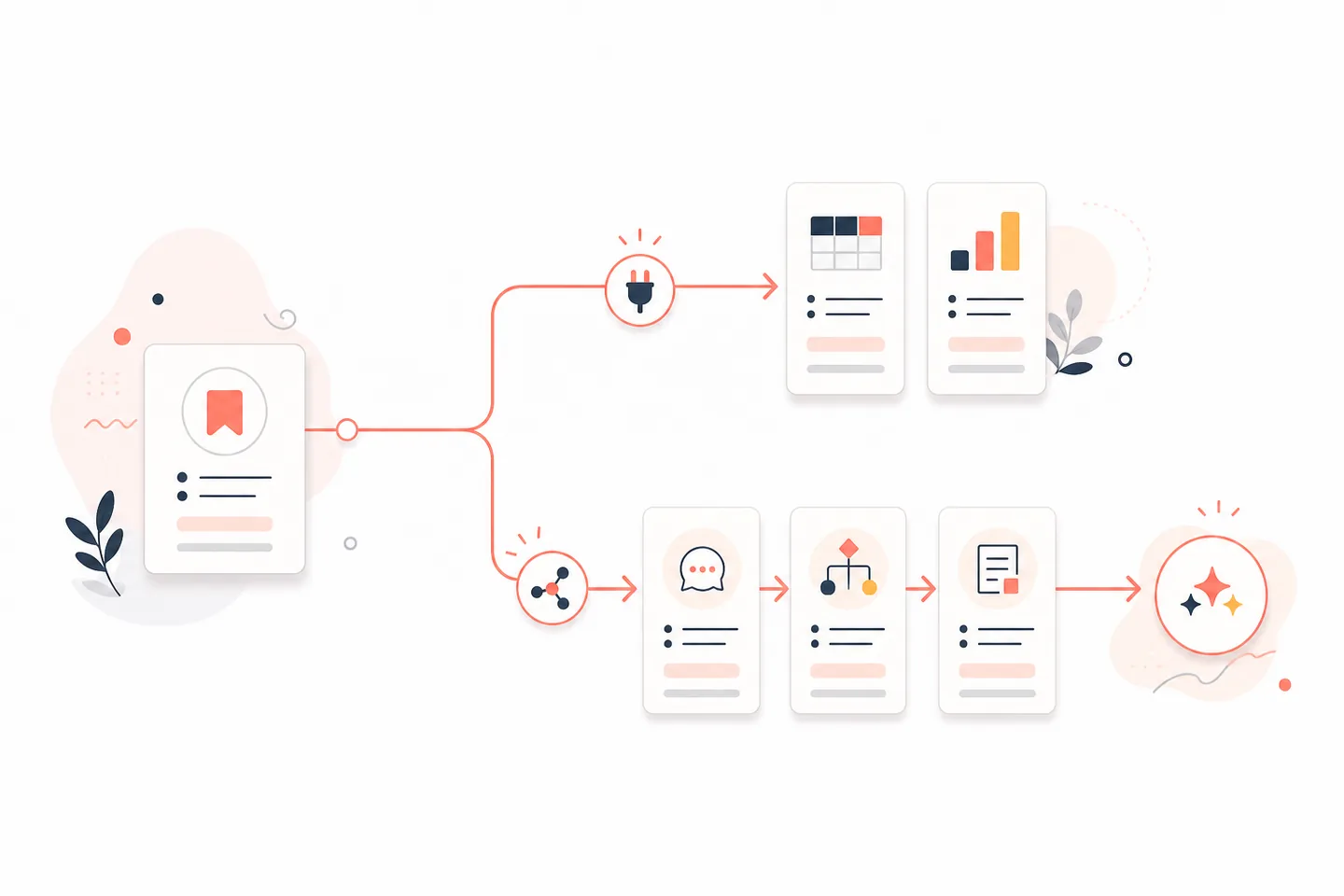
Choose the right surface
| You need to | Use | Current boundary |
|---|---|---|
| Read the identity associated with a customer API key | REST API | GET /v1/me |
| Read the key owner’s entitlement projection | REST API | GET /v1/entitlements |
| Discover prompts or workflows and run an ordered workflow | MCP or Connect | Tools exposed to the authenticated connection |
| Create or update prompts and workflows from an eligible AI host | OAuth-based MCP connection | Requires the host action, prompts.write, and account access |
| Run a saved sequence beside a supported browser AI chat | Browser extension | Uses the extension’s visible Send, Copy, and Run All controls |
| Manage API keys | AirPrompter Account → Developer | Authenticated web-app action, not a customer /v1 endpoint |
Before you make a REST request
You need:
- an AirPrompter account with access to Account → Developer;
- a newly created API key stored in a secure secret manager or environment variable;
- the target and content environment appropriate for the job; and
- a client that can send an HTTPS request with an authorization header.
Read Create and protect API keys before creating a production credential.
Make the smallest proof request
- Create a read-only key for the intended target in Account → Developer.
- Save the complete show-once value in a protected runtime secret.
- Export that value to the client process without printing it.
- Call
GET /v1/mewith a Bearer authorization header. - Compare the returned identity with the account the job is expected to use.
- Stop and revoke the key if the identity is unexpected.
The production base URL is:
https://api.airprompter.com
Store the complete secret outside source code:
export AIRPROMPTER_API_KEY="your-key-from-the-show-once-dialog"
Then request the key-associated identity:
curl --fail-with-body \
  --header "Authorization: Bearer $AIRPROMPTER_API_KEY" \
  https://api.airprompter.com/v1/me
AirPrompter also accepts the customer credential in X-Api-Key, but a Bearer header is the clearest default for a new integration. Never include the real value in a shell-history screenshot, issue, chat message, or documentation example.
Expected result: the API returns JSON for the identity resolved from that active key. It must not return another account’s identity.
The response follows this client-safe shape; the values below are deliberately redacted examples:
{
  "actor": {
    "userId": "redacted-user-id",
    "apiKeyId": "redacted-api-key-id"
  },
  "personal": {
    "accountMode": "individual",
    "libraryId": "redacted-library-id"
  },
  "workspaces": [
    {
      "workspaceId": "redacted-workspace-id",
      "organizationId": "redacted-organization-id",
      "displayName": "Example workspace",
      "roleId": "redacted-role-id",
      "membershipStatus": "active"
    }
  ]
}
displayName is optional. membershipStatus is active or removed; do not treat a returned workspace row as permission to bypass the operation’s normal authorization checks.
Read the entitlement projection
After identity succeeds, request the current entitlement projection:
curl --fail-with-body \
  --header "Authorization: Bearer $AIRPROMPTER_API_KEY" \
  https://api.airprompter.com/v1/entitlements
Expected result: the API returns the entitlement view for the same key owner and target context.
Use the top-level fields as follows:
| Field | Meaning |
|---|---|
schemaVersion | Version of the public entitlement response shape |
actor | Redacted-safe identifiers for the resolved user and API key |
tier, effectiveTier, subscription and trial fields | Current plan/subscription projection |
features | Named service-availability booleans |
access | Backend-produced access projection; do not reconstruct it from tier names |
accountAccess | Versioned Personal/Workspace context summaries, source, update time, and counts |
Use MCP for prompt and workflow work
Choose MCP when your program is an AI host that should discover AirPrompter tools, retrieve saved instructions, or continue a workflow. The production MCP endpoint is:
https://mcp.airprompter.com
Interactive host connections normally use OAuth so the user can review prompts.read and, when supported, prompts.write. The host remains the model runtime: AirPrompter supplies saved instructions and run state; the host executes the work with its available conversation, files, web access, and native tools.
Use Connect an AI host for supported product-led installation. Use Direct MCP connections only when the current host is documented or approved for manual configuration.
Apply the API to day-to-day work
Verify a headless job before it starts
Have the job call /v1/me at startup and compare the returned identity with the expected non-secret account reference in your deployment configuration. Stop the job if the credential resolves to the wrong owner or fails authentication.
Gate an integration’s optional behavior
Read /v1/entitlements when your integration needs to display or skip a plan-dependent AirPrompter capability. Keep resource authorization separate; do not infer workspace membership from that response.
Let an agent run a saved process
Do not poll REST for a fictional workflow endpoint. Connect the agent through MCP, ask it to find the workflow by name, resolve ambiguous matches, provide required inputs, and continue the saved sequence.
Troubleshooting
The API returns 401 Unauthorized
Confirm that the entire key was copied from the show-once dialog, the key is active and unexpired, the header starts with Bearer , and no quote or newline became part of the value. If the secret was lost or exposed, revoke it and create a replacement.
A REST route returns 404
Check the method and exact path. The currently documented customer routes are only GET /v1/me and GET /v1/entitlements. An internal /api-keys route, MCP tool name, or web-app path is not a public /v1 route.
You need prompt or workflow data
Use the MCP decision and setup guide. Do not guess a REST endpoint or scrape the authenticated web application.
A Team write is denied
Organization- and workspace-bound API keys remain read-only even if a client requests a write scope. Use an eligible OAuth MCP connection for Team writes and let the normal authorization boundary decide access.
Completion checklist
- You chose REST only for a currently documented REST outcome.
- The credential is stored outside source control and logs.
/v1/meresolves the intended key owner./v1/entitlementsis treated as a projection, not resource authority.- Prompt and workflow operations use MCP rather than invented REST paths.
- Your integration stops safely on an unexpected identity or authentication failure.
Next steps
Create a least-privilege credential with API keys and scopes, or configure an eligible host with Direct MCP connections.