

AirPrompter documentation
Connect through MCP directly
Understand AirPrompter's remote MCP boundary, choose OAuth or an approved headless credential, configure a qualified host, and verify the connection safely.
Availability varies
AirPrompter exposes a remote Model Context Protocol (MCP) server so an eligible AI host can discover AirPrompter actions and use saved prompts or workflows. A direct connection is for a host that supports remote Streamable HTTP MCP and AirPrompter’s authentication flow.
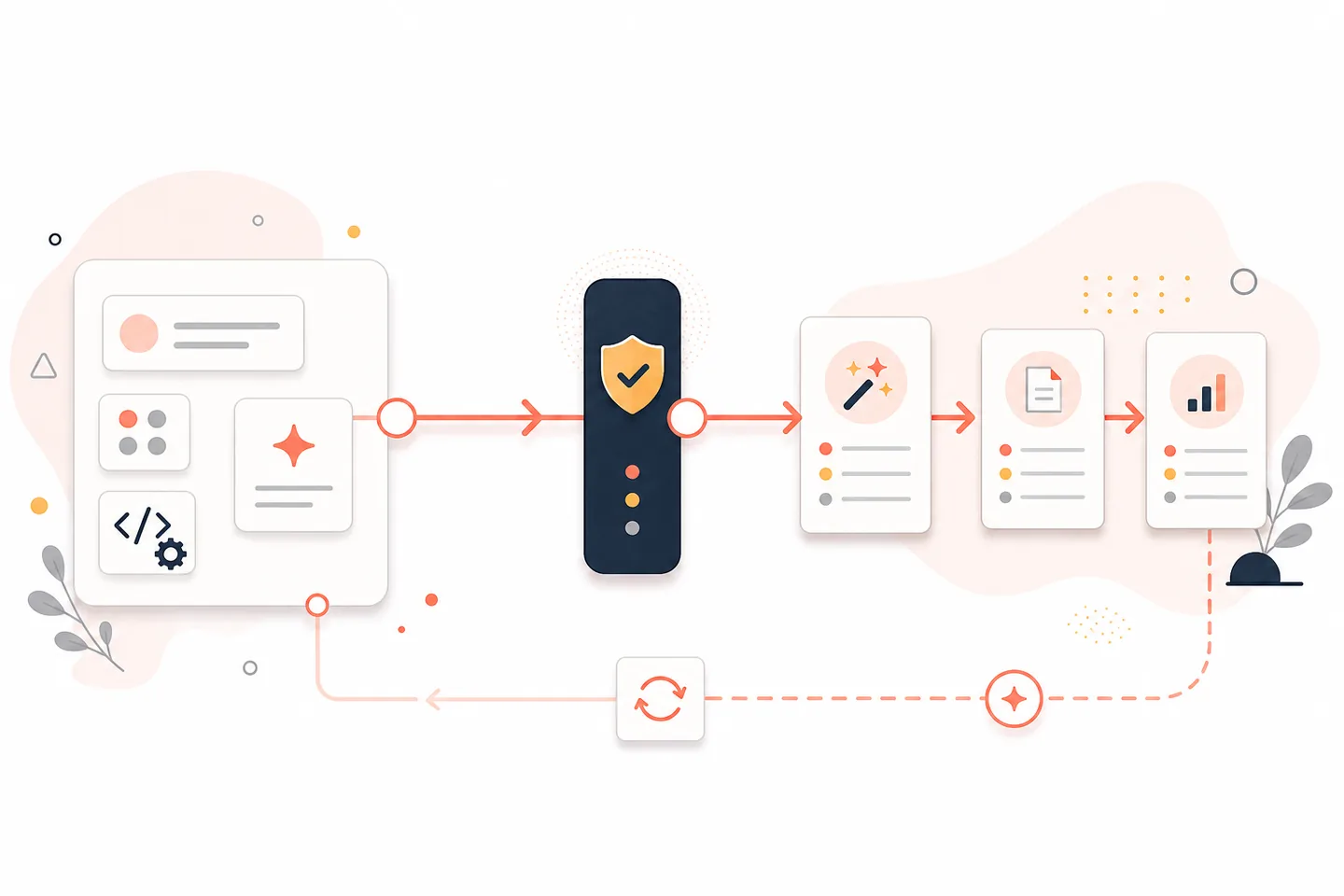
What the MCP connection does
The production MCP server is:
https://mcp.airprompter.com
The connection uses remote Streamable HTTP. AirPrompter authenticates the caller, exposes the tools allowed for that credential and target, resolves saved prompts or workflows, and maintains continuation state for a workflow run.
The host remains responsible for:
- the language model and conversation;
- executing the prompt text returned by AirPrompter;
- host-local files, images, web access, code tools, and other capabilities;
- showing selection or missing-input questions; and
- returning step output before requesting the next workflow instruction.
AirPrompter does not automatically upload every file attached to the host conversation.
Choose the authentication path
| Situation | Credential | Why |
|---|---|---|
| A person is connecting an interactive supported host | OAuth 2.1 with PKCE | The user signs in and reviews prompts.read and, when eligible, prompts.write |
| An approved headless Personal integration cannot complete interactive OAuth | Dedicated Personal API key | Can be read-only or narrowly read/write when the target allows it |
| A headless organization or workspace integration | Target-bound API key | Read-only; Team writes require OAuth |
| OpenClaw or Hermes connection-token flow shown in an authorized preview | Connection token created for that connection | Preview-only until its public install path is released |
Never copy an OAuth authorization code, refresh token, API key, or connection token into a general AI prompt.
Check whether your host is ready
Use the current AirPrompter Connectors page and its first-party setup instructions.
Current documentation posture:
- Codex: supported through the AirPrompter plugin and MCP connection path.
- ChatGPT: supported when the AirPrompter connector/install action is available to the account.
- Claude: availability and setup vary by Claude surface; a skill package does not by itself prove live MCP support.
- Generic MCP host: qualified for support-assisted manual setup when it supports remote Streamable HTTP, OAuth, and protected-resource metadata.
- Cursor, VS Code/Copilot, and n8n: do not use as public direct-setup instructions until their customer paths are certified and shown.
- MCP Inspector: use only for protocol or certification testing, not as a production host.
- OpenClaw and Hermes: connection-token support is preview/admin-facing until published hub or catalog listings exist.
If your host is not shown as supported or qualified, stop at the architecture review rather than placing a live credential into an unverified client.
Before you configure a direct host
Confirm that:
- the host supports a remote URL, not only a local stdio process;
- its transport is compatible with Streamable HTTP;
- it can discover OAuth protected-resource metadata and complete PKCE, or it is an approved headless client;
- its callback behavior is documented for that exact host surface;
- the account and target are known; and
- you have a harmless workflow for discovery and run testing.
Configure the connection
Host field names vary. Map the host’s documented fields to this connection contract:
| Host setting | AirPrompter value |
|---|---|
| Server name | A local display name such as AirPrompter |
| Server URL | https://mcp.airprompter.com |
| Transport | Remote Streamable HTTP |
| Authentication | OAuth for interactive hosts; approved key/token path only for qualified headless hosts |
| Requested OAuth scopes | prompts.read and, when the host needs eligible authoring, prompts.write |
Then:
- Add the server through the host’s documented MCP settings or first-party AirPrompter install action.
- Start the connection.
- Complete AirPrompter sign-in and review the requested scopes in the browser flow.
- Return to the same host surface.
- Confirm that AirPrompter tools are listed.
- Run read-only discovery before supplying private source material.
Expected result: the host lists AirPrompter as a remote authenticated server and can perform a harmless read without asking you to paste an AirPrompter password or OAuth code.
Prove discovery and continuation
First ask:
Use AirPrompter to list workflows available to this connection. Do not start one.
Then:
Find my workflow "Meeting follow-up test". Show the matched workflow and required inputs before starting.
Finally, with harmless input:
Start "Meeting follow-up test" with the approved sample notes in this conversation.
Follow the saved order. Stop if a required input or host capability is missing.
Verify that the host resolves ambiguity, executes the returned prompt in the host, supplies the step output to AirPrompter, and asks AirPrompter for the next step until the run reaches a terminal state.
Expected result: AirPrompter—not an improvised host plan—controls the saved sequence, while the host controls model execution.
Apply direct MCP to day-to-day work
Coding-agent workflow
Ask a supported coding agent to run a repository review workflow by name. The agent can use its current repository tools; AirPrompter supplies the ordered review, repair, and release-gate instructions.
Research workflow
Use a host with verified web access. If an AirPrompter step requires web research but the host lacks it, the connection should surface the capability gap instead of claiming research occurred.
Headless Personal process
Use a dedicated Personal key only when interactive OAuth is not appropriate and the host path is approved. Give it the narrowest scope, target, and Test/Live content boundary, then follow the API-key lifecycle.
Troubleshooting
The host reports an unsupported transport
The host may support only local stdio MCP. Do not build an undocumented proxy around credentials. Use a supported AirPrompter connector or a host with remote Streamable HTTP support.
OAuth opens but does not return to the host
Confirm that the exact host surface and callback are currently supported. Restart from the current Connect instructions. Do not copy the browser URL, authorization code, or token into the chat.
The server connects but no tools appear
Reconnect, confirm that authentication completed for the intended account, and inspect the current host’s connector support state. A skill instruction file without a live MCP connection cannot expose server tools.
A write tool is missing or denied
The connection may lack prompts.write, the host package may not expose authoring, the account may be ineligible, or the target may require Team OAuth. Use the web app or reconnect through an eligible verified OAuth flow.
A workflow stops for a file or image
Keep the attachment in the host conversation and make sure that host exposes the required file/image capability. AirPrompter stores a reference or instruction context for the run; it does not fetch arbitrary host-local bytes.
A generic host works inconsistently
Return to a supported connector for production work. Record the host version, transport, authentication path, sanitized error, and failed lifecycle step for support—never the credential.
Completion checklist
- The exact host path is supported or explicitly qualified.
- The server URL is
https://mcp.airprompter.comand the transport is remote Streamable HTTP. - Interactive access uses OAuth and reviewed scopes.
- Read-only discovery works before private inputs are provided.
- The host executes returned prompts and AirPrompter controls continuation.
- Missing capabilities and inputs stop safely.
- No password, API key, token, or OAuth code appears in prompts, screenshots, or logs.
Next steps
Use the product-led Connect guide for a supported host, or review API keys and scopes for an approved headless connection.